Prepare for Your Remote Online Notary Appointment
Notary, Remote Online Notarization, RON Appointment
How to Prepare for a Remote Online Notary Appointment: Complete SEO Checklist
Remote Online Notarization (RON) makes it easy to get documents notarized from home, but you still need to prepare. Use this step‑by‑step checklist to make sure your remote notary appointment goes smoothly the first time—no rescheduling, no delays.
Why Preparation Matters for a Remote Notary Appointment
When you prepare for an online notary session, you reduce the risk of technical issues, rejected IDs, or incomplete documents. Remote online notarization is convenient, but it is still a legal process with specific online notarization requirements that must be met for your document to be accepted by banks, title companies, courts, and government agencies.
This guide walks you through everything you need before your RON appointment: identification, internet and device setup, document review, signer and witness details, audiovisual and environment checks, electronic signing, and what happens after the session. Keep this page open as a live checklist while you get ready.
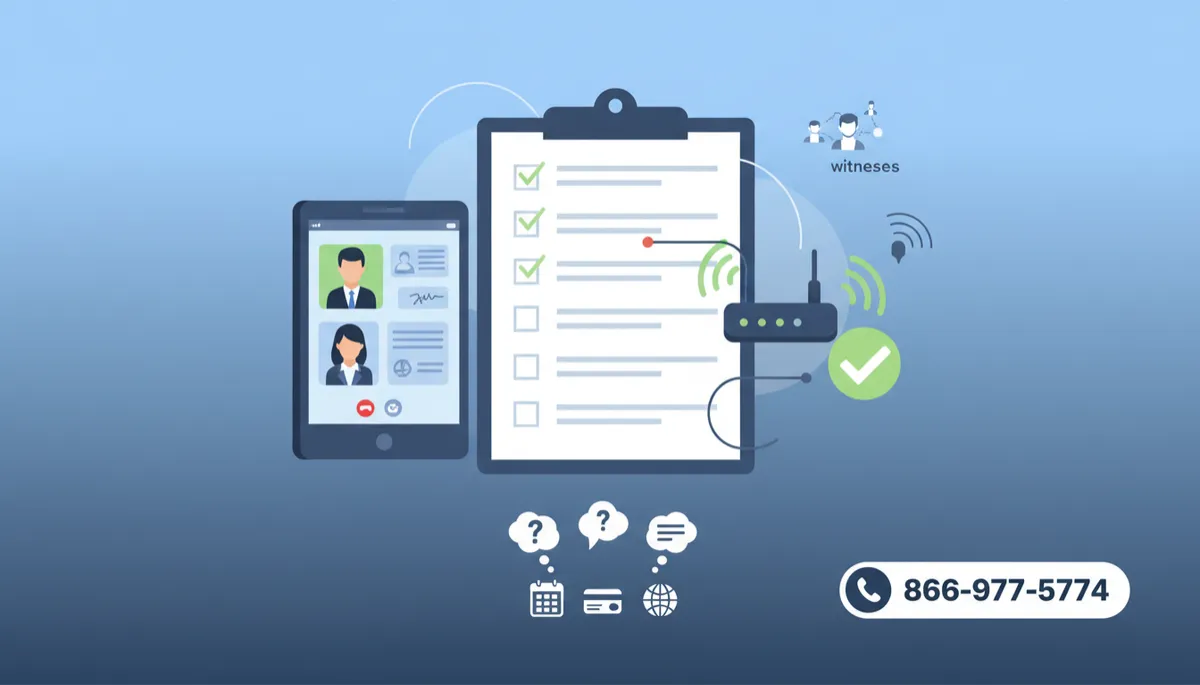
Quick-Glance Remote Online Notary Preparation Checklist
Valid, unexpired government‑issued photo ID ready (driver’s license, passport, etc.)
Stable internet connection and compatible device with camera, microphone, and speakers
Document uploaded or ready to upload, with all non‑notary sections completed but not signed yet (unless instructed otherwise)
Full legal name, contact information, and any additional signer details confirmed and matching your ID exactly
Witnesses arranged in advance if your document or state law requires them (and they meet age/ID rules)
Quiet, well‑lit space prepared so the notary can clearly see you and your ID on camera
Ability to read and follow on‑screen prompts for electronic signing and identity checks (KBA/ID scan if required)
Plan for how you will access, download, and share the completed notarized document afterward
📌 Need a remote online notary now? Call 866‑977‑5774 or book your RON appointment online to get started in minutes.
1. Identification: Make Sure Your ID Will Be Accepted
Identity verification is at the heart of every remote notary appointment. If your ID is not acceptable, the notary legally cannot proceed. Before you book, confirm that you have at least one of the following:
State‑issued driver’s license or non‑driver ID (unexpired)
U.S. or foreign passport (depending on state and platform rules)
Military ID or government‑issued photo ID where permitted by law
Check that your ID is:
Current – many states and platforms will not accept expired IDs, even by a day
Readable – no heavy scratches, peeling laminate, or major damage over your photo or text
Matching – your legal name on the document should match the name on your ID
💡 Pro Tip: Have a backup ID available. If the system cannot read your first ID during the online identity check, a second option can save your appointment.
2. Internet and Device Preparation: Avoid Tech Headaches
A RON session is a live video meeting. If your connection cuts out or your device fails, the notary may have to stop and restart the session—or reschedule entirely. To prepare for online notary success, check the following before your appointment time:
Internet Connection Checklist
Use a stable high‑speed connection (home Wi‑Fi or wired connection is usually best).
Avoid public Wi‑Fi in coffee shops, airports, or hotels when possible, for both stability and privacy.
Close streaming services, large downloads, and other bandwidth‑heavy apps during the appointment.
Device and Browser Checklist
Use a desktop, laptop, or tablet with a working camera, microphone, and speakers (some platforms allow smartphones, but a larger screen is easier for signing).
Make sure your device is charged or plugged in; you do not want to lose power mid‑session.
Use a supported browser (commonly Chrome, Edge, or Safari) and update it to the latest version.
Allow the website to access your camera and microphone when prompted.
💡 Quick test: Join a video call with a friend or use a video‑chat app for a few minutes before your RON appointment to confirm your audio and video are clear.
3. Document Review: Prepare the Paperwork Before You Go Online
Remote online notarization works best when your document is complete, clear, and ready to sign. Many delays happen because signers upload the wrong version, forget pages, or sign too early. To avoid that, take a few minutes to review your paperwork carefully.
Before Your RON Appointment, You Should:
Confirm you have the final version of the document required by your bank, title company, employer, or agency.
Complete all non‑notary fields (names, addresses, dates, amounts) as instructed by the receiving party.
Do not sign the document in advance unless your notary or state law specifically requires a pre‑signed document. Most RON platforms will guide you to sign electronically during the session while the notary watches.
Check for any witness signature lines and note how many witnesses are needed and where they must sign.
If you are unsure whether your document can be notarized online (for example, certain wills or real estate documents in some states), ask the receiving organization or your notary service before booking. This simple step can save you time and frustration.

Reviewing your document before the session is the easiest way to avoid last‑minute delays.
4. Signer Information: Match Your Details to Your ID
Your notary must be confident that the person on camera is the same person named in the document. That is why signer information must line up perfectly with your ID and any identity‑proofing questions used by the RON platform.
Ensure your full legal name on the document matches your ID (for example, “Jonathan A. Smith” vs. “Jon Smith”).
Provide accurate contact information—email and mobile number—for appointment reminders and secure links to the session and final document.
If there are multiple signers, confirm each signer’s name, email, and availability. All signers need their own devices or must appear together on camera as allowed by the platform.
Some RON platforms use knowledge‑based authentication (KBA), which asks questions based on your credit or public records. Make sure your personal information (address history, previous names) is accurate and up to date so you can pass these checks smoothly.
5. Witnesses When Applicable: Plan Ahead
Not all documents require witnesses, but when they do, planning ahead is essential. Common documents that may require one or more witnesses include wills, healthcare directives, powers of attorney, and some real estate or loan documents. Witness rules vary by state and by the type of document, so always confirm requirements with the requesting party or your notary service before your remote notary appointment.
Witness Preparation Checklist
Verify how many witnesses you need (one, two, or more) and whether they must be physically with you or may appear remotely on the RON platform.
Confirm that witnesses meet legal requirements: usually over 18, not named in the document, and not direct beneficiaries or spouses of beneficiaries for certain documents.
Make sure each witness has a valid ID and understands they may need to appear on camera and possibly complete identity verification as well.
Coordinate the time so all signers and witnesses can join the same session and remain available until the notary is finished.
📌 Important: Some RON platforms can provide remote witnesses for you. Ask when you book your online notarization if you are unable to arrange your own.
6. Audiovisual Requirements: Be Seen and Heard Clearly
Remote online notarization laws require a clear, continuous audiovisual connection between you and the notary. The notary must be able to see you sign and hear your responses to questions. To meet these online notarization requirements, review the following:
Position your camera so your face and upper body are visible. The notary may ask you to hold your ID up to the camera, so make sure it can focus clearly at that distance.
Test your microphone and speakers or headset. The notary should not struggle to hear you, and you should be able to hear all instructions clearly.
Avoid backlighting (for example, sitting directly in front of a bright window), which can make your face appear dark or shadowed on camera.
If the connection drops or the video becomes too poor to continue, the notary may be required by law to stop and restart the session to maintain a valid record. Good lighting and reliable audio/video help your RON appointment stay on track.
7. Environment: Create a Quiet, Private Space
Your environment affects both the legality and the comfort of your remote notarization. The notary must be sure you are signing willingly and without pressure. A noisy or crowded setting can raise questions or make it difficult to proceed.
Choose a quiet, private room where you will not be interrupted by coworkers, family members, or background noise.
Sit at a stable surface (desk or table) with your device, ID, and documents within reach so you are not constantly moving around on camera.
Turn off TV, music, and unnecessary notifications. Put your phone on silent if you are not using it for the session.
💡 Pro Tip: If anyone else is in the room, let the notary know who they are and why they are present. For sensitive documents, you may be asked to continue the session alone.
8. Electronic Signing: What to Expect During the Session
In a RON session, you typically sign electronically rather than with ink. The platform captures your electronic signature and pairs it with the notary’s electronic seal and digital certificate. This combination creates a tamper‑evident record that many institutions now accept as equivalent to a traditional notarization.
Common Electronic Signing Steps
You join the secure session via a link sent by email or text and complete any remaining identity checks (ID scan, KBA questions).
The notary reviews your document on screen, confirms your understanding of the document, and asks whether you are signing voluntarily.
You are prompted to apply your electronic signature—often by clicking, typing your name, or drawing your signature with a mouse or finger.
Once you have signed, the notary adds their electronic seal, signature, and any required notarial wording.
Follow the on‑screen instructions closely. If anything is unclear, ask the notary to explain before you sign. Remember: your electronic signature carries the same legal weight as a handwritten signature in most RON‑enabled transactions.
9. What Happens After the Session: Accessing Your Notarized Document
Once your remote notary appointment is complete, the platform will finalize your notarized document. Understanding what happens next helps you meet deadlines and share your paperwork quickly with the right people.
After Your RON Appointment, You Can Usually:
Download a PDF copy of the notarized document from a secure portal or from a link sent to your email.
Print the notarized document if a physical copy is needed for mailing or in‑person delivery.
Share the document securely with your title company, lender, employer, or other requesting party by email or upload, as they instruct.
The RON platform and notary will also maintain an electronic journal and recording of the session, as required by law. This protects both you and the notary by creating a verifiable record of the notarization. Keep any confirmation emails or receipts with your personal records in case questions arise later.
How to Book a Remote Online Notary Appointment
Ready to put this checklist into action? Booking a RON session only takes a few minutes once you have your ID, document, and device prepared. To find a provider, you can search for “remote online notary near me” or visit a trusted service and schedule directly through their website. Many platforms offer same‑day or even on‑demand appointments, including evenings and weekends.
For fast, professional service, book your RON appointment online or call 866‑977‑5774 to speak with a representative who can walk you through the process and help you choose the right type of notarization for your document.
Frequently Asked Questions About Preparing for Online Notarization
1. What documents can be notarized during a remote online notary appointment?
Many common documents can be notarized online, including powers of attorney, affidavits, financial forms, parental consent letters, and certain real estate and loan documents. However, some states restrict RON for specific document types, such as wills, codicils, or documents that require in‑person witnesses. Always confirm with the requesting organization or your notary service to ensure your document is eligible for remote online notarization before you schedule.
2. Can I use my smartphone for a RON appointment?
Many RON platforms support smartphones, and you can complete the entire appointment on a mobile device if your camera, microphone, and internet connection are strong enough. However, a laptop or tablet often provides a better experience because the larger screen makes it easier to review and sign documents. If you do use a smartphone, consider using a stand or propping it up so your hands are free and the camera view remains steady throughout the session.
3. What if my ID is expired or I do not have a driver’s license?
Most states require a current, government‑issued photo ID for RON, and expired IDs are typically not accepted. If your driver’s license is expired, you may be able to use a valid passport, state ID card, or other approved government ID. Because rules vary by state and platform, contact your chosen RON provider or call 866‑977‑5774 to confirm what forms of identification are acceptable before booking your appointment.
4. Do my witnesses also need to be online with me?
It depends on your state law, the type of document, and the platform’s capabilities. In some cases, witnesses must be physically present with you and visible on the same camera; in others, they can join remotely from their own devices. Some RON providers can even supply independent witnesses. Because witness requirements are strict, discuss your situation with your notary service when you book your RON appointment so you can arrange the right setup in advance.
5. Is an online notarization as valid as an in‑person notarization?
In states that authorize RON, a properly completed remote online notarization is generally just as valid and legally binding as a traditional in‑person notarization. The notary still verifies your identity, confirms your willingness to sign, and applies a notarial certificate and seal. Many institutions now prefer RON because it creates a detailed electronic audit trail and secure video recording of the session. That said, always check with the receiving party to ensure they accept electronically notarized documents for your specific transaction.
Final Checklist and Next Steps
You are now ready to confidently prepare for an online notary session. Before you click “Join” on your RON platform, quickly run through this final checklist:
Valid, readable government ID in hand (and a backup if possible)
Stable internet connection and tested device with camera, mic, and speakers
Final document reviewed, completed where required, and ready to sign electronically (not pre‑signed unless instructed)
All signers and any required witnesses prepared, informed, and available for the full session
Quiet, well‑lit environment with minimal background noise or distractions
With these steps checked off, your online notarization requirements are covered and your remote session is far more likely to be quick, smooth, and successful on the first try.
Ready to schedule? Call 866‑977‑5774 now or book your remote online notary appointment to get your documents notarized from the comfort of home.