Remote Online Notarization in Florida Guide
Notary Services, Remote Online Notarization, Florida Law
Remote Online Notarization in Florida: How Does It Work?
Remote online notarization (often called “RON”) lets Florida notaries verify identities and notarize documents using secure audio-video technology instead of meeting you in person. This guide explains, in plain English, how Florida RON works today, what to expect during an appointment, and when it may be a convenient alternative to traditional or mobile notarization.
What Is Remote Online Notarization (RON) in Florida?
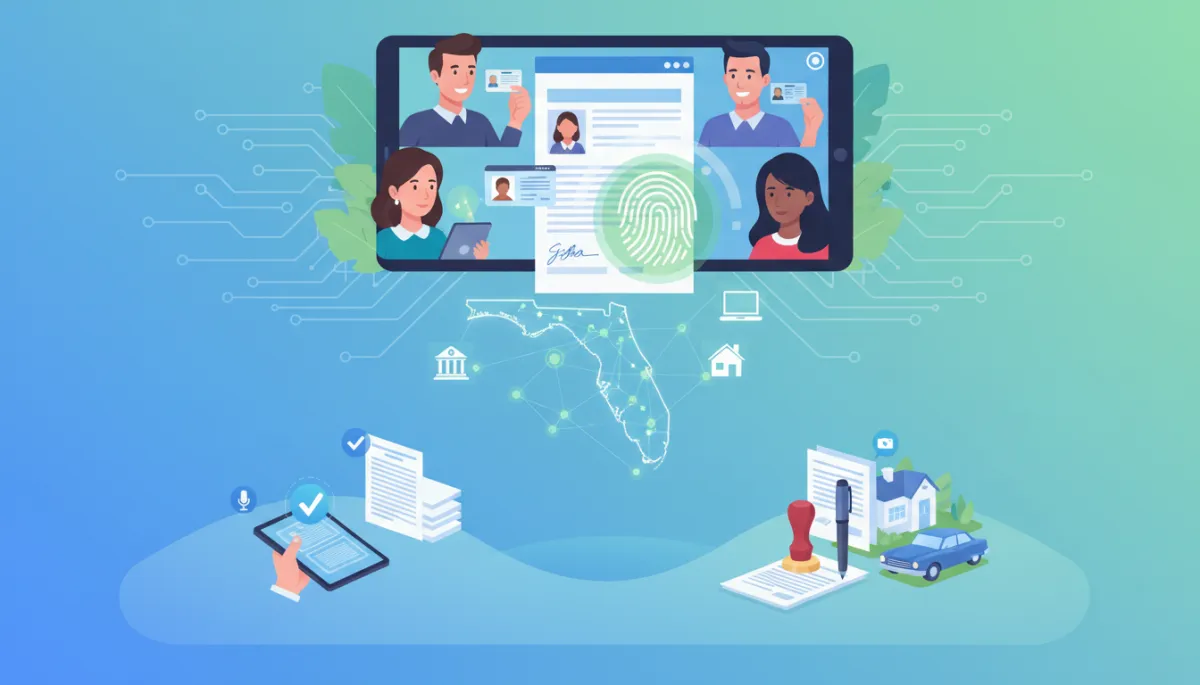
Remote online notarization is a way to have a document notarized when the notary and the signer are in different locations. Instead of sitting across a table with paper and ink, you connect with a commissioned Florida online notary public over a secure video platform. You sign electronically, the notary applies an electronic seal, and the entire session is recorded and logged in an electronic journal, as required by Florida law (Florida Statutes Chapter 117, Part II, sections 117.201–117.305).
Under section 117.209, an online notary in Florida can perform most of the same notarial acts that a traditional notary can, such as acknowledgments and oaths, but using audio-video communication instead of being physically present with you. The notary must be physically located in Florida, but you and your witnesses can generally be elsewhere, even outside the state, as long as the notary follows Florida’s RON rules.
📌 Key Point: RON is fully authorized in Florida, but it must follow specific identity verification, technology, and recordkeeping standards. Not every document or situation will be appropriate for RON, so it is always wise to confirm your document’s requirements in advance.
How a Typical Florida Remote Online Notarization Appointment Works
Step 1: Requesting and Scheduling Your Session
Your RON process usually starts online. You choose a Florida online notary service, such as Seamless Signature Solutions’ Remote Online Notarization (RON) service, and submit a brief request form. You will typically be asked to upload a clear copy of the document that needs notarization and select a date and time for your appointment. Many providers offer same-day or after-hours availability, which can be a major advantage for busy professionals and families.
Step 2: Receiving Your Secure Link and Instructions
Before your appointment, you will receive:
A secure link to join the audio-video session from your computer, tablet, or smartphone
Basic instructions on how to test your camera, microphone, and internet connection
Information about the type of ID you will need and any additional steps for identity proofing
Because Florida law requires secure audio-video communication and proper identity verification, you will usually be guided through a short pre-appointment checklist to help avoid delays during the session itself.
Step 3: Identity Verification (More Than Just Showing Your ID)
Florida’s RON rules go beyond simply holding your driver license up to the camera. Under section 117.265 and related standards, your identity is typically confirmed in three layers:
Remote presentation of your ID: You upload or scan a government-issued photo ID (such as a Florida driver license or passport) through the RON platform. You may also be asked to show it on camera so the notary can compare your face and the ID details.
Credential analysis: Automated software checks your ID’s security features and data against trusted databases to confirm that the ID is genuine and has not been altered. The results are shared with the notary.
Identity proofing: Often this is done with knowledge-based authentication (KBA). You answer a short series of questions based on your personal history (for example, past addresses or loan information) within a limited time. Florida statutes set minimum standards for these questions and passing scores. If the system cannot verify your identity, the notary is not allowed to proceed.
In the future, Florida may also allow certain biometric methods, such as facial recognition, as part of identity proofing, based on rulemaking underway with the Department of State. For now, expect a combination of ID upload, analysis, and question-based verification when using a compliant Florida RON platform.
💡 Tip: Make sure the name on your ID matches the name on your document, and that your credit and address history are up to date. Inconsistent information can cause identity proofing to fail and delay your notarization.
Step 4: Live Audio-Video Communication With the Notary
Once identity verification is complete, you enter a live, two-way video session with the Florida online notary. Florida law requires that the audio and video be clear enough for the notary to see you, hear you, and interact with you in real time. The RON platform records the entire session and stores it securely for at least ten years, along with the notary’s electronic journal entry, as required by section 117.245 and related provisions.
During the call, the notary will:
Confirm your identity again verbally and confirm that you understand the document you are signing
Ask whether you are signing voluntarily and not under pressure or duress
Explain the type of notarial act they are performing (for example, an acknowledgment or an oath)
If witnesses are required and are attending remotely, the notary will similarly verify their identities and may ask additional questions, especially when the signer is a vulnerable adult, following the protections outlined in section 117.285.
Step 5: Electronic Signatures and Notary Seal
In a Florida RON session, you sign electronically instead of using a pen. The platform usually displays your document on screen and provides a button, typed name, or secure signature field for you to apply your electronic signature. This signature is tied to your identity within the RON system and becomes part of the tamper-evident electronic document record.
After you sign, the online notary adds their electronic notary seal and notarial certificate. Florida law requires that the certificate clearly indicate that it is an “online notarization,” often by including the words “online notary” near the seal. The completed document is then locked using technology that reveals if any changes are made after the notarization.
Step 6: Delivery of Your Notarized Document
Once the session is complete, you can usually download the notarized electronic document right away. Many Florida RON platforms also allow you to email the document securely to another party, such as a title company, lender, or attorney. If you need a printed copy, you can download and print it yourself, or request a printed version from your service provider if they offer that option. Fees for the notarization itself are capped by statute, but technology or delivery fees charged by the RON platform may be separate, so it is helpful to review the fee schedule before you book.
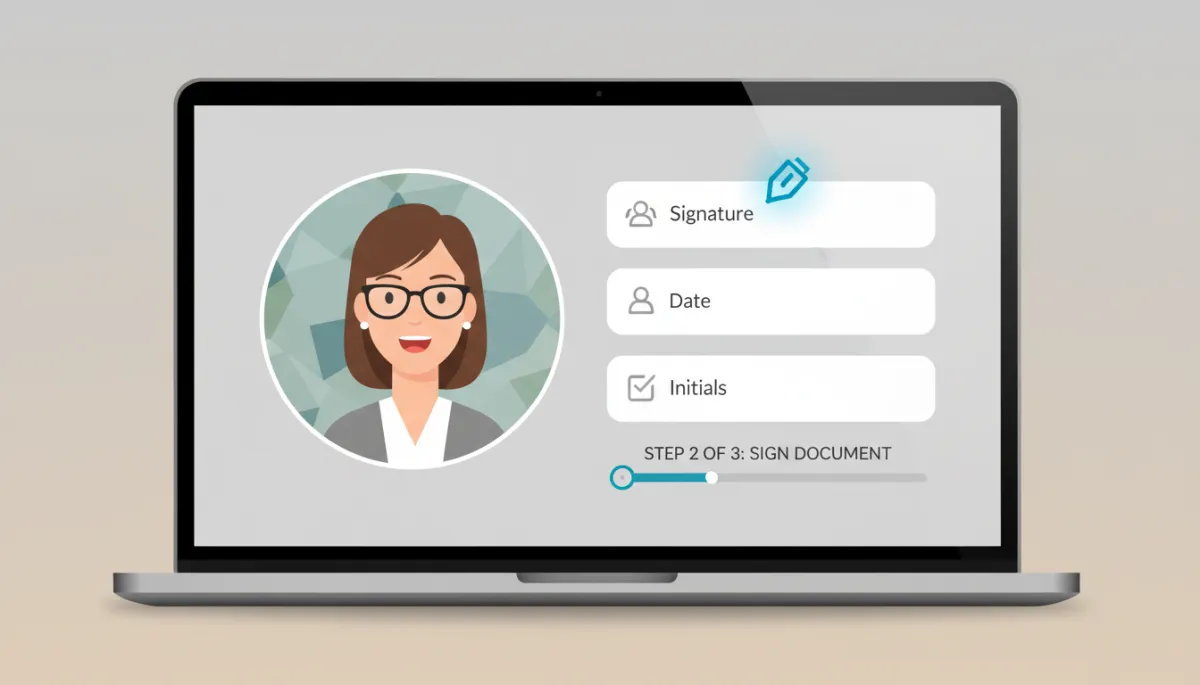
A compliant RON platform combines identity checks, video, and e-signing in one secure workflow.
What Clients Should Have Ready for a Florida RON Session
Being prepared will make your online notarization smoother and faster. Before your appointment, gather the following:
Valid government-issued photo ID (for example, driver license, state ID, passport) that is not expired and clearly legible
Stable internet connection with enough bandwidth for clear video and audio throughout the session
Device with camera and microphone (laptop, desktop with webcam, tablet, or smartphone)
Quiet, private space where you can speak freely, hear clearly, and avoid interruptions or background noise
All pages of your document ready in electronic form, with any blanks filled in (unless the notary needs to witness you filling them during the session)
Any required witnesses arranged in advance, with their IDs ready and devices tested, if they will be joining remotely
💡 Preparation Tip: Log in 5–10 minutes early to complete any identity-proofing questions and troubleshoot technical issues before your scheduled start time.
When Is Remote Online Notarization Convenient in Florida?
RON is especially attractive when meeting a notary in person is difficult, time-sensitive, or costly. While you should always confirm that your specific document is eligible for online notarization, many everyday situations can benefit from Florida RON, including:
Busy professionals and business owners who need documents notarized without leaving the office or interrupting their workday
Florida residents traveling or living temporarily out of state who still need a Florida notary to handle real estate, financial, or legal documents governed by Florida law
Real estate closings and loan packages where lenders and title companies accept properly executed electronic documents and RON acknowledgments
Healthcare and financial documents that need to be signed quickly, such as certain powers of attorney or consents, when the signer can appear on video and meets legal requirements
Clients without reliable transportation or those in remote areas where in-person notary services are limited or require long travel times
Remote online notarization is not a universal solution. Some documents, industries, or counterparties may still prefer or require traditional wet-ink signatures and in-person notarization. When in doubt, check with the receiving party (such as a court, lender, or government agency) to confirm that a Florida RON notarization will be acceptable before you schedule an online appointment.
Remote Online Notarization vs. Traditional Mobile Notarization in Florida
Many Floridians are already familiar with mobile notary services, where a notary travels to your home, office, or another agreed location. Seamless Signature Solutions, for example, offers both Remote Online Notarization and Mobile Notary services, so you can choose the method that fits your situation. Here is a practical comparison to help you decide:
Feature | Remote Online Notarization (RON) | Traditional Mobile Notarization |
|---|---|---|
Location | Notary in Florida; signer and witnesses can be elsewhere, appearing by video. | Notary travels to you; all parties meet in person at the same physical location. |
Technology Needed | Device with camera, microphone, and internet; electronic document access. | No technology required beyond the notary’s tools; documents are paper-based. |
Signatures | Electronic signatures and electronic notary seal, with an “online notarization” notation. | Wet-ink signatures and physical notary stamp on paper documents. |
Convenience | No travel; can often be scheduled quickly, including evenings or weekends. | Helpful when you prefer in-person interaction or lack reliable internet access. |
Recordkeeping | Electronic journal and recorded video session stored securely for at least 10 years. | Traditional notary journal and physical records; no video recording required. |
When It May Be Preferred | Time-sensitive signings, out-of-state signers, or fully digital transactions where e-documents are expected. | Documents that must be original paper, signers uncomfortable with technology, or settings where physical presence is required. |
If you are not sure which option is better for your document, a provider like Seamless Signature Solutions can explain the differences between their Remote Online Notarization (RON) and Mobile Notary services, and help you choose a method that meets both your needs and the receiving party’s requirements.
Is Remote Online Notarization Right for Every Document?
No notarization method is “one size fits all.” Florida law allows RON for many common notarial acts, but other laws, regulations, or policy decisions by banks, courts, and agencies may limit when electronic documents or online notarizations are accepted. For example, certain estate planning documents, court filings, or records for out-of-state agencies may have their own rules or preferences about electronic versus paper documents and how notarizations must be performed.
Before you schedule RON, it is a good idea to:
Ask the receiving party (court, lender, government office, or business) whether they accept Florida remote online notarization for your specific document type
Review any instructions or forms they provide to see if they mention RON, electronic signatures, or online notarizations
Consult with your attorney if your document has significant legal or financial consequences and you are unsure which method is appropriate
A reputable Florida online notary service will not promise that RON is valid for every circumstance. Instead, they will help you understand what they can legally do and encourage you to confirm acceptance with the organization that will receive your document.
Frequently Asked Questions About Remote Online Notarization in Florida
1. Is a Florida remote online notarization as “valid” as an in-person notarization?
Under Chapter 117, Part II of the Florida Statutes, an online notarization performed by a properly commissioned Florida online notary public has the same legal effect as a traditional notarization, as long as the statutory requirements are followed. The notarial certificate must clearly state that it was done as an online notarization, and the notary must use approved technology for identity proofing, credential analysis, and secure audio-video communication. However, separate from the notary’s role, an organization or court may have its own rules about which types of notarized documents it will accept, so it is always wise to confirm in advance.
2. Do I need to be physically in Florida for a Florida RON session?
The notary must be physically located in Florida at the time of the online notarization, but you generally do not need to be in Florida. You can appear from another state, or even another country, as long as you can complete the identity verification process and access the secure RON platform. Keep in mind that the laws of other states or countries, or the policies of the receiving party, may impact whether they will accept a Florida RON notarization for a particular purpose.
3. What happens if the identity proofing questions do not work for me?
Florida’s RON rules set minimum standards for knowledge-based authentication, including how many questions must be asked and what score is needed to pass. If the system cannot generate enough questions or you do not pass within the allowed attempts, the online notary is not permitted to complete the notarization. In that situation, you may need to schedule an in-person mobile notary visit or resolve issues with the underlying data (for example, updating your credit file or address records) before trying RON again. A provider like Seamless Signature Solutions can help you explore alternative options if online identity proofing is not successful.
4. Are RON sessions private and secure?
Florida statutes require that RON platforms use secure, tamper-evident technology and protect the confidentiality of personal information. The audio-video session is recorded and stored in a secure repository, and the online notary maintains an electronic journal with details about the notarization. Personal information obtained during the process can only be used for purposes allowed by state or federal law. While no system is completely risk-free, the statutory standards are designed to provide strong protections against unauthorized access, fraud, and document tampering.
5. How do I choose between Florida RON and a mobile notary visit?
Consider your document type, the receiving party’s requirements, your comfort with technology, and your schedule. RON is often ideal if you want to avoid travel, need a notarization quickly, or are located outside Florida while working with Florida-based transactions. A mobile notary may be better if you prefer face-to-face interaction, have limited internet access, or are signing documents that must be on paper with original ink signatures. Seamless Signature Solutions offers both remote online notarization and mobile notary services, making it easy to select the approach that works best for your specific situation.
Next Steps: Schedule a Florida Remote Online Notarization
Remote online notarization in Florida offers a secure, legally recognized way to complete many notarial acts without leaving your home or office. By combining multi-step identity verification, electronic signatures, and recorded audio-video communication, Florida RON provides both convenience and accountability for consumers and professionals alike. At the same time, traditional mobile notarization remains an important option when paper documents, personal preference, or specific requirements call for an in-person visit.
If you are ready to explore remote online notarization in Florida—or if you would like help deciding between Seamless Signature Solutions’ RON and Mobile Notary services—you can schedule a convenient appointment or speak with a knowledgeable team member about your options and document needs.
To get started, schedule your remote notarization today or call 866-977-5774 to discuss your situation and find the notarization solution that fits you best.